
Writing about Cirrus?
Email contact@trycirrus.app for a free Pro key, a question, or anything missing from this page.
Facts
- Name
- Cirrus. In full: Cirrus, floating notes for Mac.
- Requires
- macOS 14 or later, on Apple silicon or Intel
- Price
- Free for 3 notes, with every feature. Cirrus Pro is $4.99, one time, for unlimited notes.
- Get it
- trycirrus.app, or
brew install --cask mshll/tap/cirrus - Contact
- contact@trycirrus.app
About Cirrus
In one line
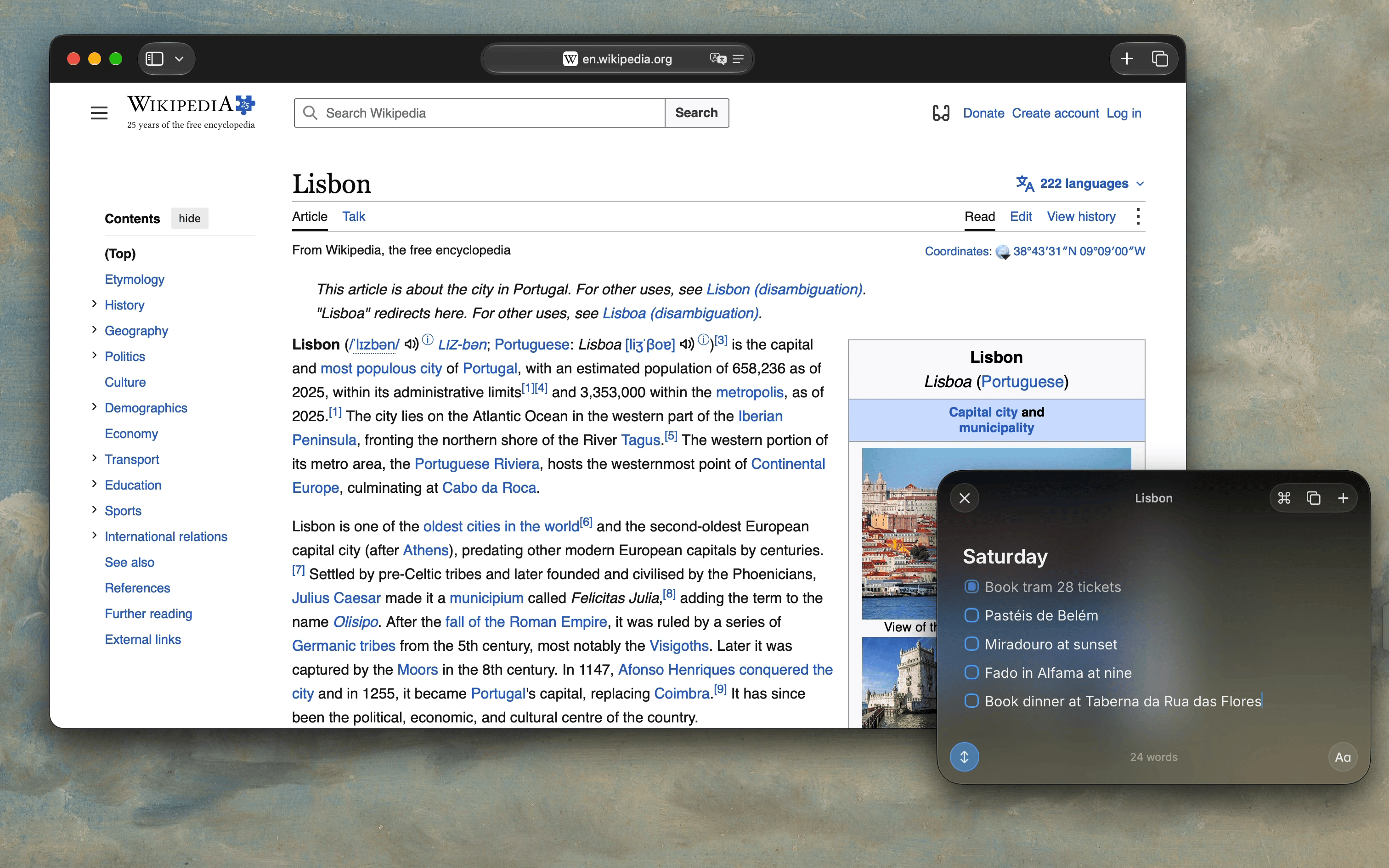
Cirrus is a floating notes app for Mac: press Control Command N in any app, write it down, and press Escape to get back to work.
In a paragraph
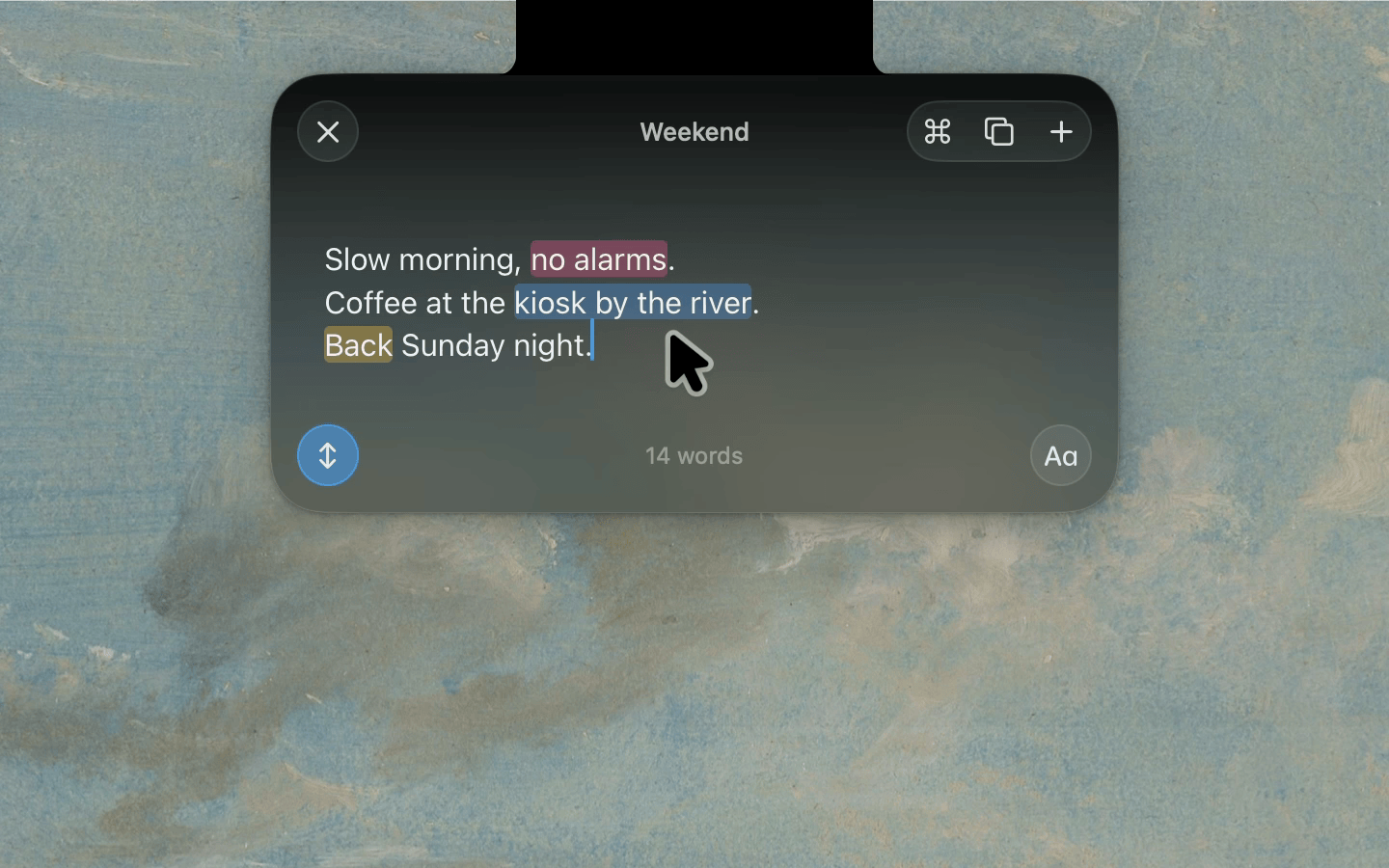
Cirrus keeps a note one keystroke away from whatever you’re doing. Press Control Command N and a note floats above the app you’re in; press Escape and you’re back where you were. It can also live in a small pill on the edge of the screen, or in the notch on a MacBook, where hovering peeks the note open so you can type straight away. Notes are Markdown, with checklists, highlights, tags, links between notes, and math that answers as you write. They stay on your Mac and sync through your own iCloud, with no account to make. Cirrus is free for three notes, with every feature, and $4.99 once for unlimited notes.
Features
- One keystroke. Control Command N opens a note over any app. Escape puts it away.
- The edge and the notch. A small pill on any screen edge, or the notch on a MacBook. Hover to peek and type.
- Keep Open. A note hides when you click away, or stays up while you work.
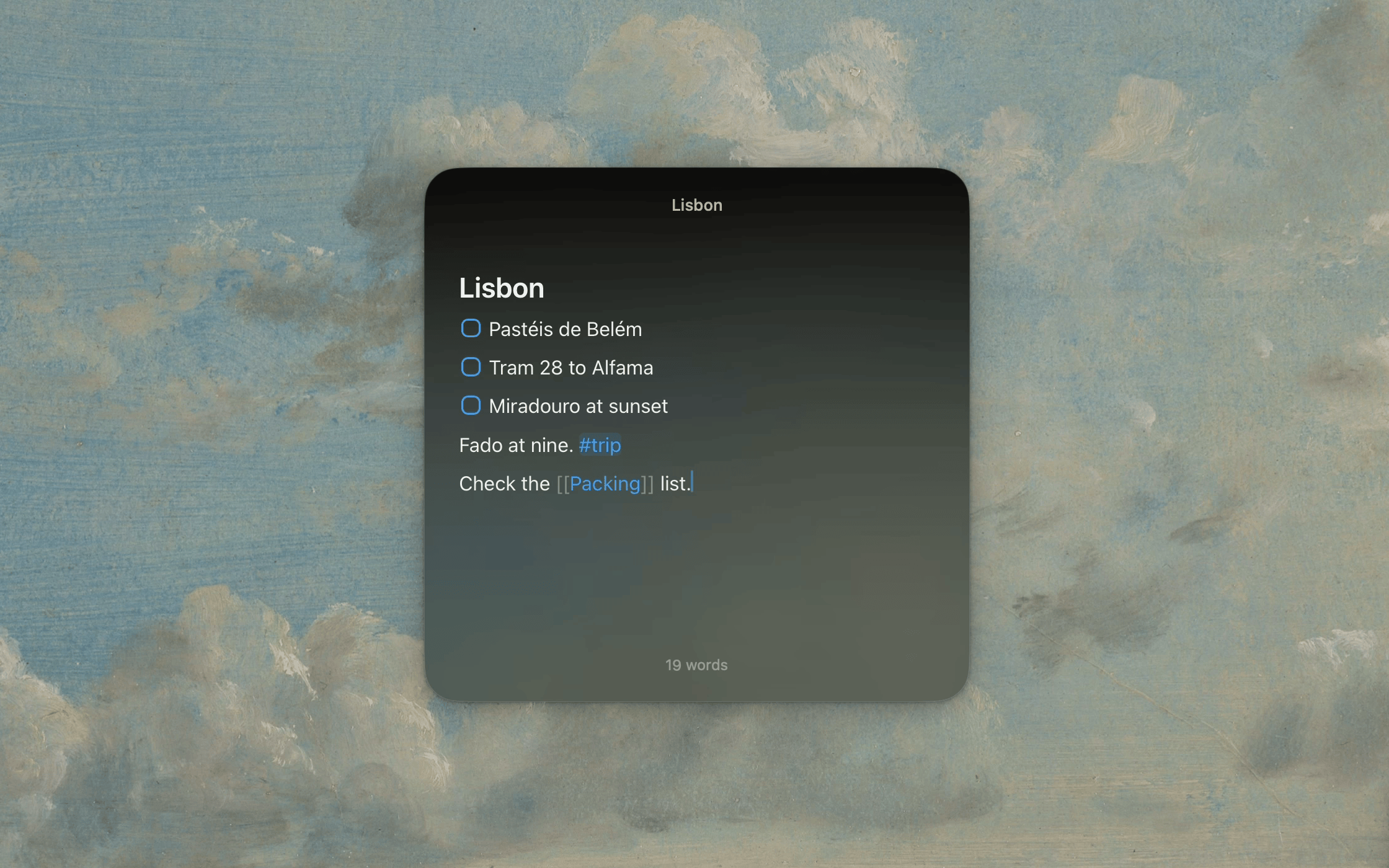
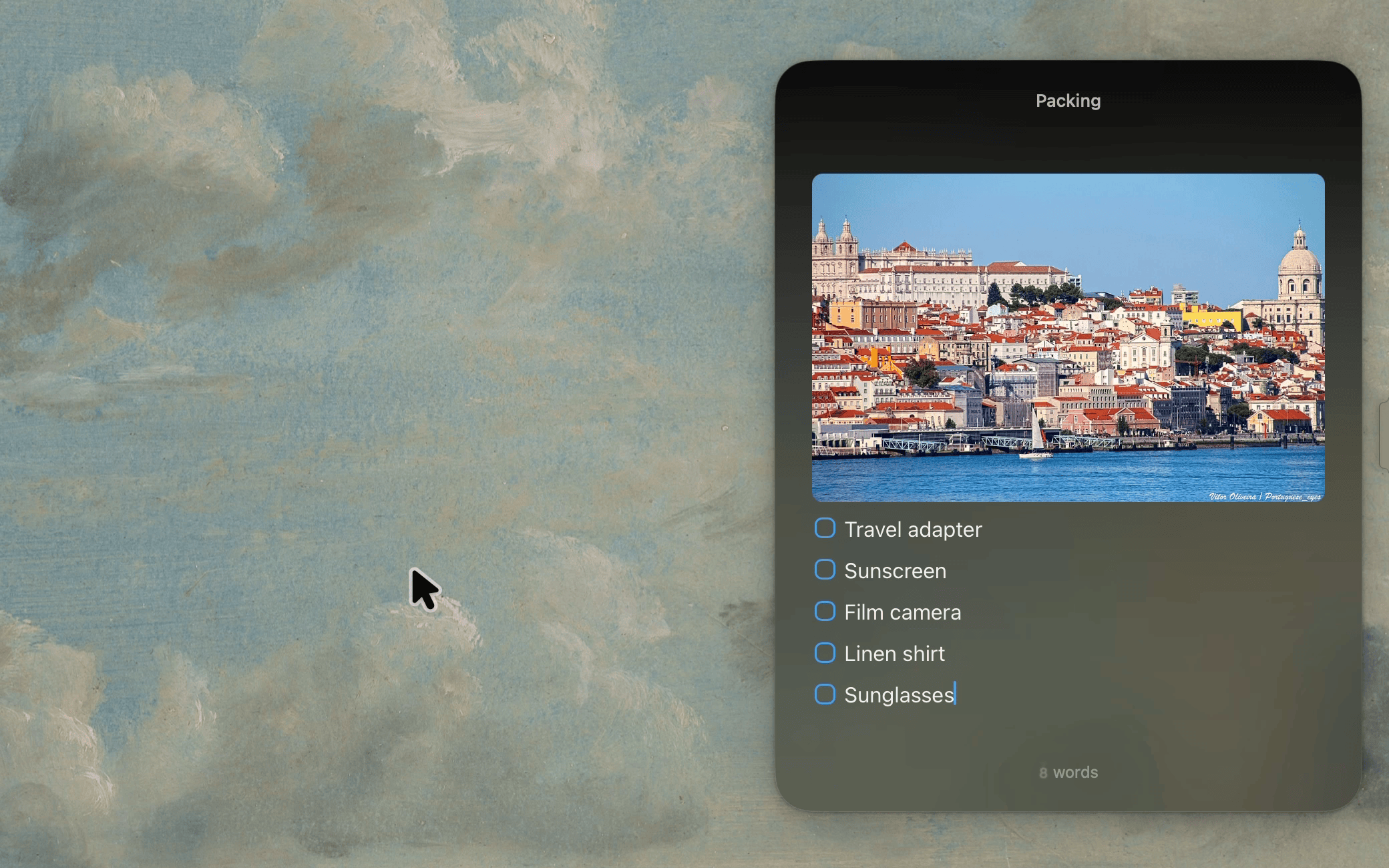
- Markdown without the clutter. Headings, checklists, five highlight colors and syntax-colored code, with the symbols out of sight.
- Tables. Markdown tables you edit in place, cell by cell.
- Images. Paste or drop an image into a note, and it syncs with the note.
- Linked notes. Type
[[to link a note, or start one that doesn’t exist yet. - Tags. Type
#taganywhere in a note, then search by it. - Fold headings. Tuck a section away under its heading.
- Math as you write. End a line with
=for the answer, with units, dates, time zones and exchange rates. Click an answer to copy it. - Command palette. Everything Cirrus can do, one Command K away.
- Browse and pin. Find any note with Command P, and pin the ones you use most.
- Clipboard and Paste Mode. Copy from anywhere and it all lands in one note.
- Archive. Put finished notes away. Deleted notes wait 30 days before they go.
- Shortcuts and Siri. Build your own actions, or open a note from a link.
- Private sync. Notes stay on the Mac and sync through the user’s own iCloud. No account, and it works without iCloud too.
- Export and backups. Every note as a Markdown file, and a daily backup, with the last seven kept.
Screenshots and clips
Click a screenshot for the full-resolution PNG, or download its clip.
App icon
Who makes it
I’m Meshal Almutairi, a software engineer in Kuwait. I make Cirrus on my own, from the app to this site.
