



Always one keystroke away.
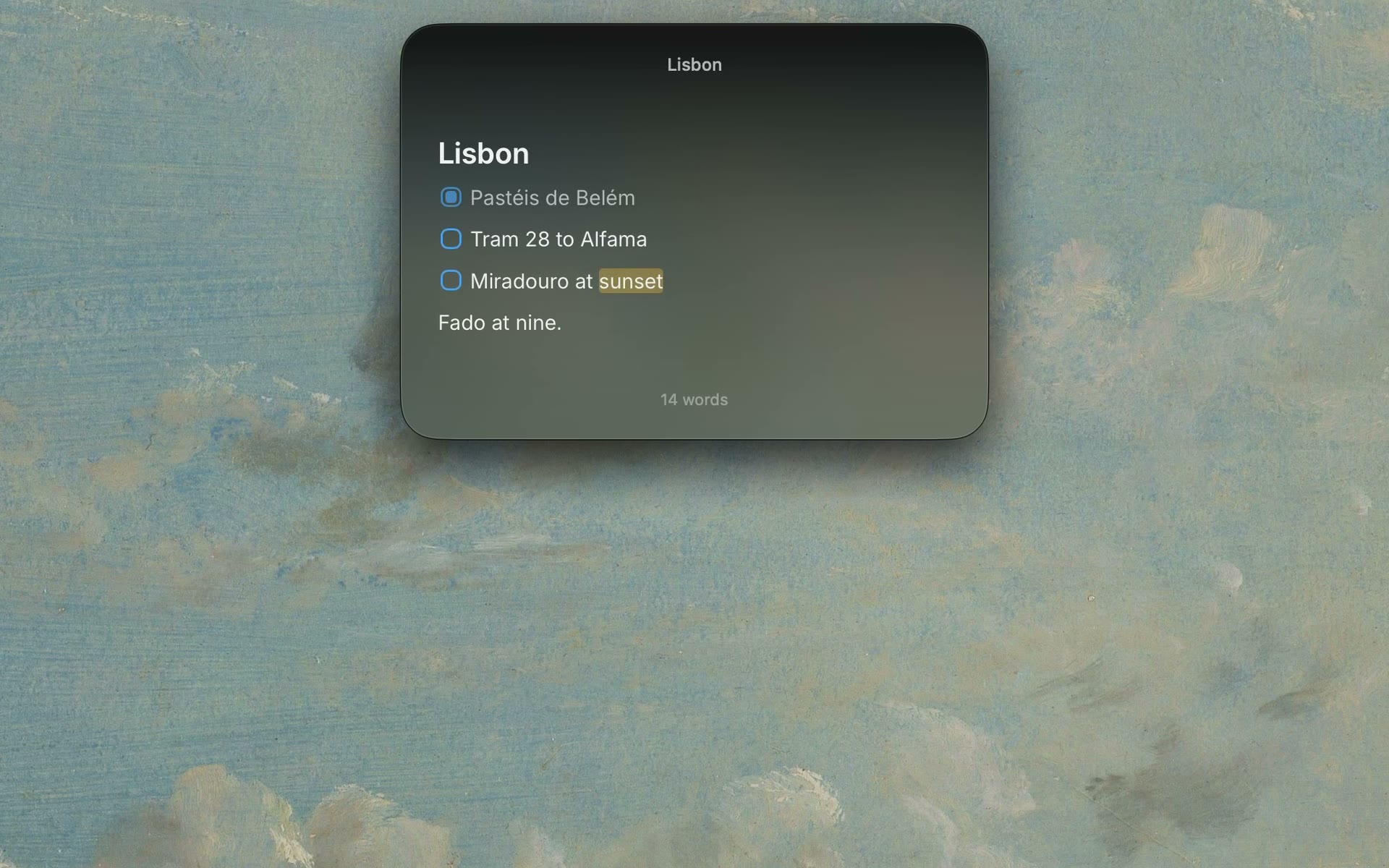
Press Control Command N from any app and your note floats above it. Press Escape and it’s gone, with your work right where you left it.
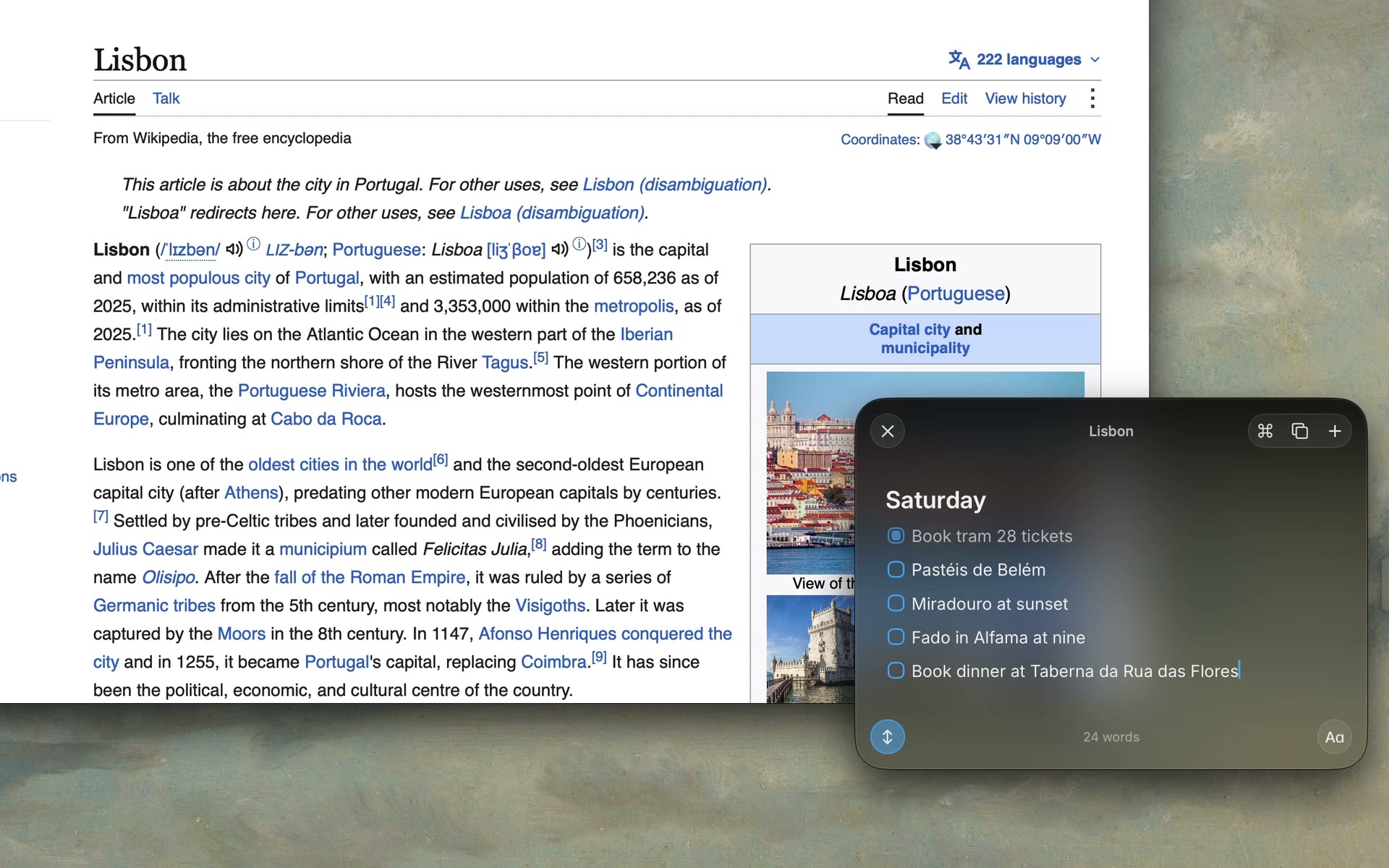
Press Control Command N in any app and a note appears above everything. Write it down, press Escape, and you’re right back where you were.
Free for 3 notes. macOS 26 or later.
Press Control Command N from any app and your note floats above it. Press Escape and it’s gone, with your work right where you left it.
Keep a small pill on any edge. Hover to peek at your notes, click to start writing. On a MacBook with a notch, the notch becomes the pill.
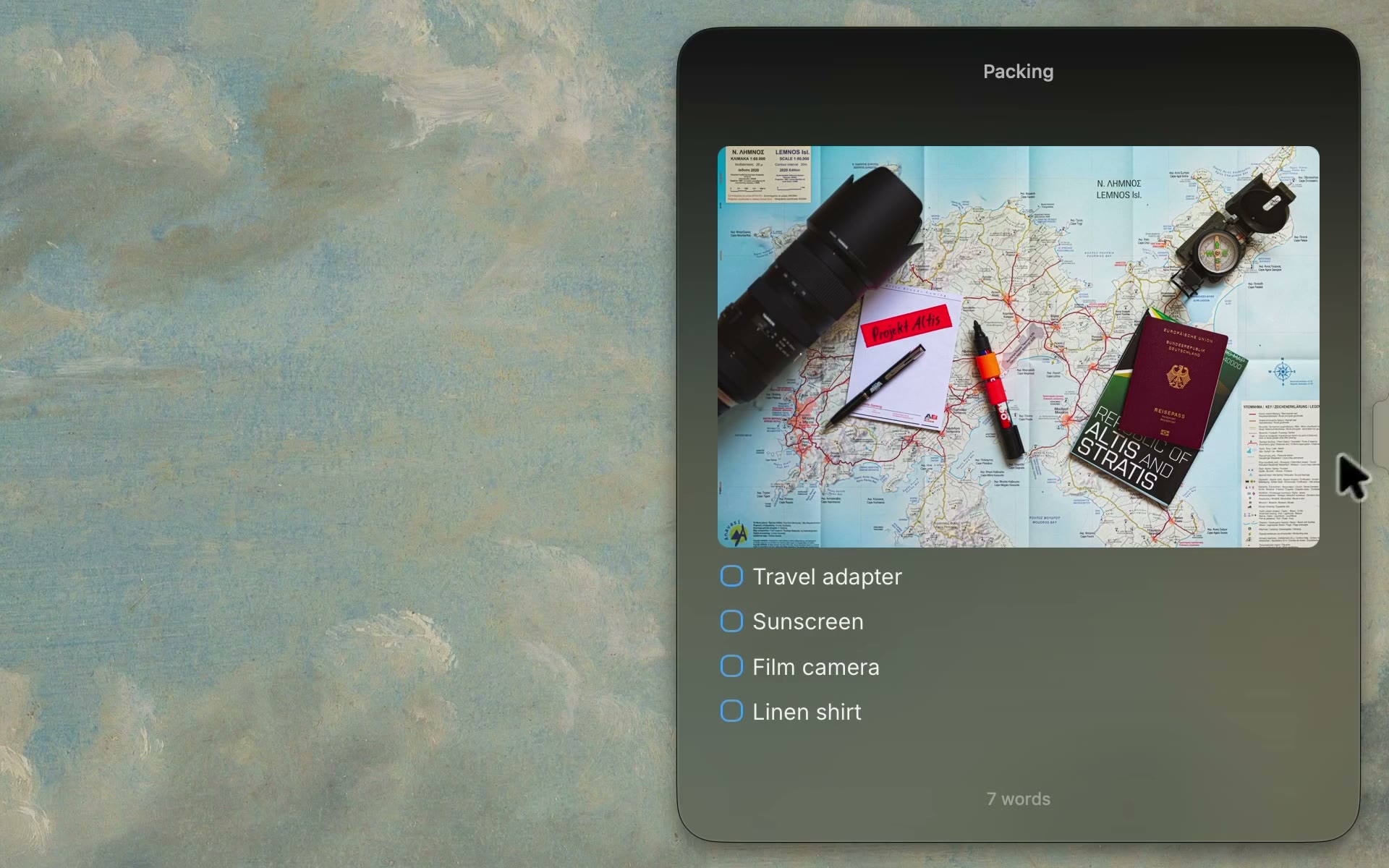
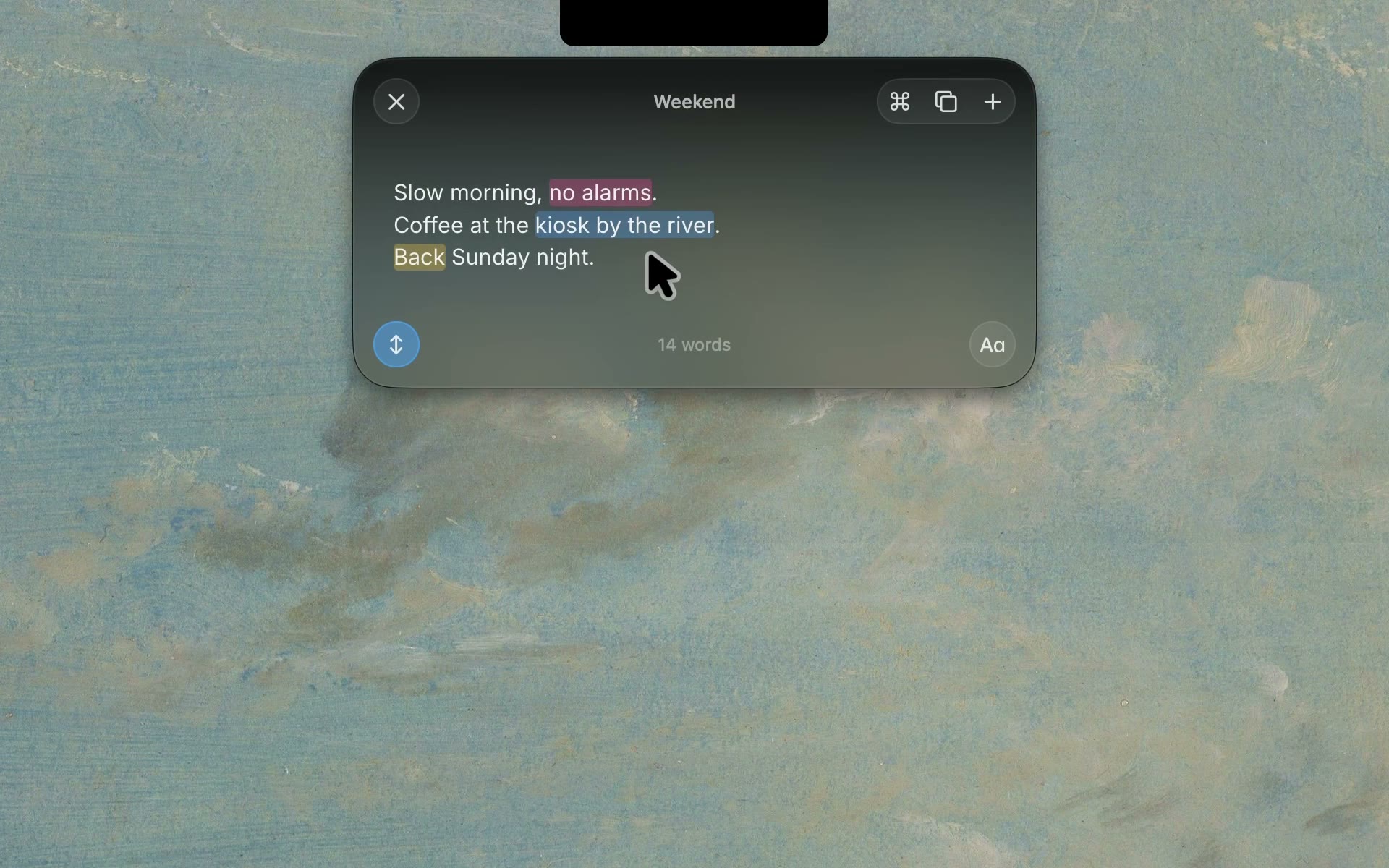
Markdown without the clutter. Headings, checklists, highlights and images look the way they should, and the symbols stay out of sight.
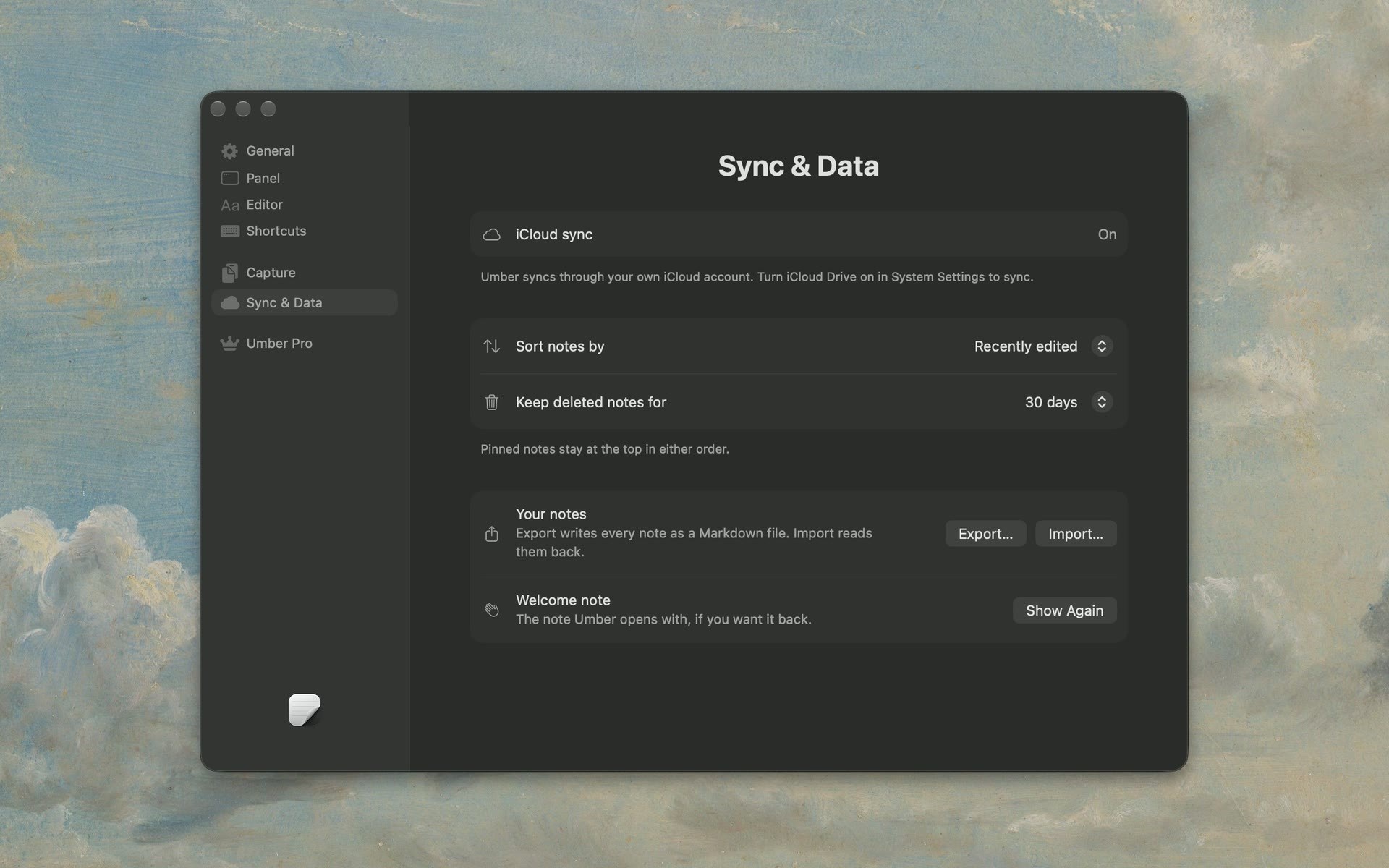
Your notes sync through your own iCloud. No account to create, and no server of ours in between.
Coming to iPhone.
Everything Cirrus can do, one Command K away.
Five colors for what matters.
Find any note fast. Pin the ones you use most.
A note that stays up front while you work.
Copy from anywhere and it all lands in one note.
Build your own actions, or open a note from a link.
Every note, as Markdown files.
$0
$4.99 one time
brew install --cask mshll/tap/cirrusSame app, same price, same features. Direct updates arrive a little sooner, and you can install with Homebrew. On the App Store, Apple handles the purchase and any refund.
On your Mac, synced through your own private iCloud. You can export them as Markdown files anytime.
No. There’s nothing to sign up for.
Your notes stay yours to open, edit and export, as long as you like. To start a new one, delete a note or get Pro for unlimited notes.
Yes. One direct purchase works on up to three of your Macs. Moving to a new one? Deactivate the old Mac in Cirrus’s settings first.
Bought direct? Within 14 days, just email contact@trycirrus.app. On the App Store, refunds go through Apple.
It’s on the way, and it will sync with your Mac through iCloud.